 Download Manager Plus
Free extension for Chrome and Edge
The download manager for Chrome and Edge that keeps things organized for you
Download Manager Plus is the download manager for Chrome and Edge that replaces the browser's own: it organizes your downloads into smart folders, keeps a complete history on a timeline and automates the repetitive work.
- Free
- No account
- Your data never leaves your device
Features to organize your downloads
Everything you need to organize your downloads, find them instantly and forget about repetitive tasks.
Replaces the browser's downloads
Hides the Chrome and Edge download bubble and gives you a more complete interface. Switch back to the browser's whenever you want.
Progress on the icon
A progress ring and a counter on the toolbar icon tell you how much is left without opening anything.
Popup with quick search
Find any download and pause, resume, cancel or retry it right from the popup.
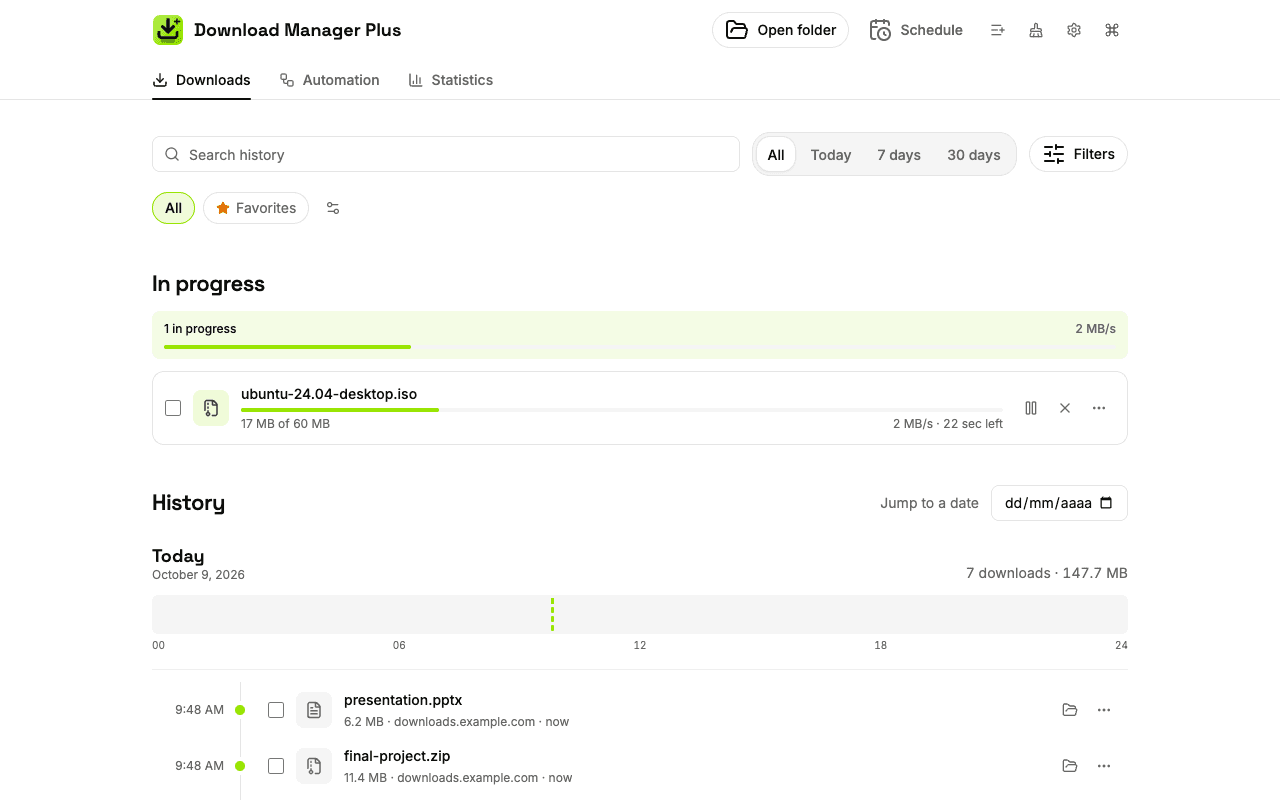
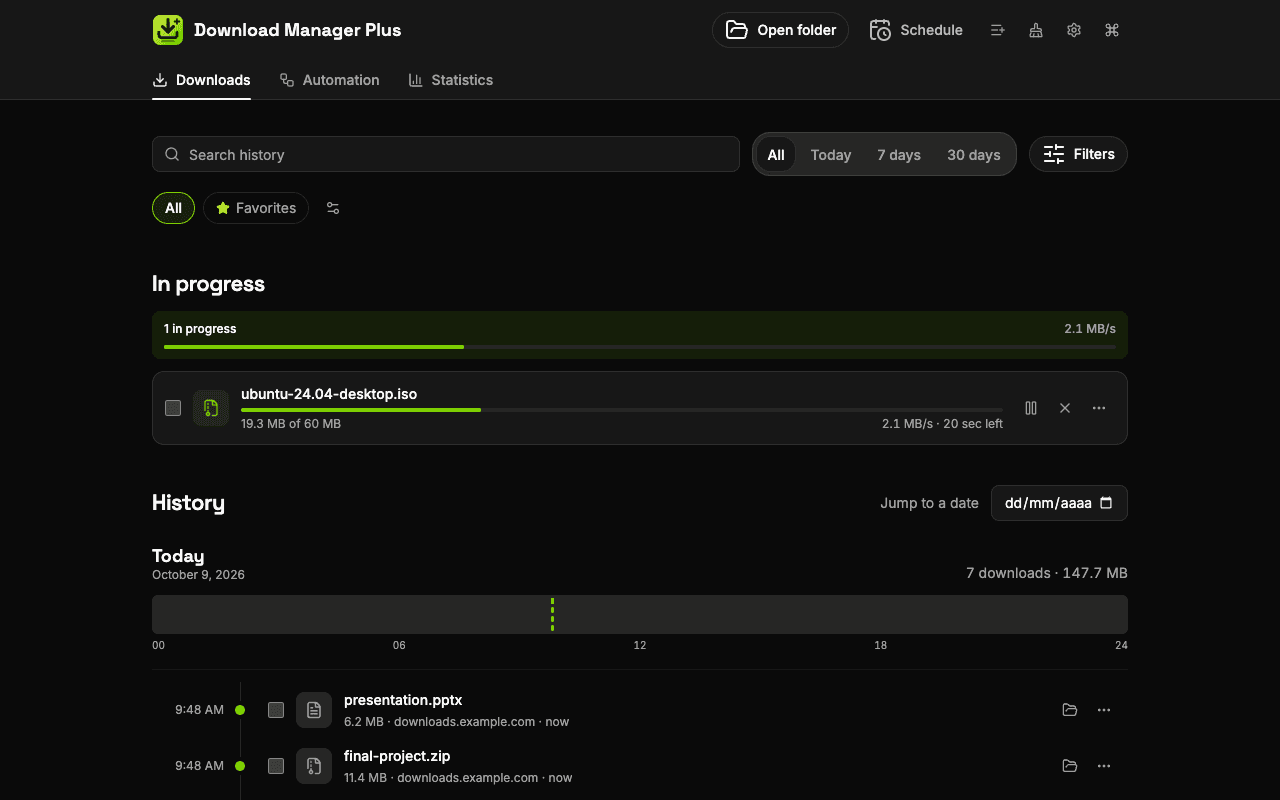
Full-page download manager
A complete history on a day-by-day timeline, with a details panel and bulk actions. It survives even if you clear the browser's history.
Typo-tolerant search
Find files even if you misspell the name. Filter by type, status, site or date and save your favorite views.
Shortcuts and command palette
Alt+Shift+J opens the manager, and the command palette runs any action without touching the mouse.
Smart folders
Each file goes to its own folder by type: documents, images, videos, audio, archives or programs.
Collections, tags and favorites
Group downloads by project in collections, label them with tags and keep your favorites.
File name templates
Rename files automatically with the date, the source site or a counter.
Automation rules
If this, then that: move, rename or tag files based on the site, type or size.
Queue and scheduling
Limit simultaneous downloads, schedule downloads for later and set quiet hours.
Automatic retries and duplicates
Retries only the downloads that fail and warns you before you download a file you already have.
Grouped notifications
When several downloads finish at once, you get a single summary with actions to open or retry them.
“Save to folder” menu
Right-click a link, image or video and save it straight to the folder you choose.
Link and media grabber
Lists the links, images and videos on the page and downloads only the ones you pick. It also imports lists of URLs.
Statistics
See how much you download, from which sites and what kinds of files, day by day and month by month.
Website API
A universal link and a JavaScript bridge with per-site permission: you decide which websites can send you downloads.
Automatic cleanup and backup
Remove old entries with your own rules, and export or restore your history and settings.
Address bar and side panel
Type “dl” in the address bar to search your downloads, or open them in the side panel.
Local and private
Your history stays on your device. Analytics are anonymous and never include your files or the pages you visit.
Download Manager Plus vs. the browser's download manager
Chrome and Edge download files just fine, but they don't help you find or organize what you download.
| Feature | Chrome and Edge | Download Manager Plus |
|---|---|---|
| History that survives clearing your browsing data | No | Yes |
| Typo-tolerant search and filters by type, status and date | Partial | Yes |
| Statistics on what you download, by day, site and type | No | Yes |
| Automatic folders by file type | No | Yes |
| Automation rules and file name templates | No | Yes |
| Queue with a simultaneous download limit and scheduling | No | Yes |
| Automatic retry of failed downloads | No | Yes |
| Tags, collections and favorites | No | Yes |
| Duplicate file warnings | No | Yes |
| Bulk actions on several downloads | Partial | Yes |
| Link and media grabber for the page | No | Yes |
| Your data stays on your device | Yes | Yes |
See Download Manager Plus in action
A clean interface in light and dark mode, designed so you find everything on the first try.
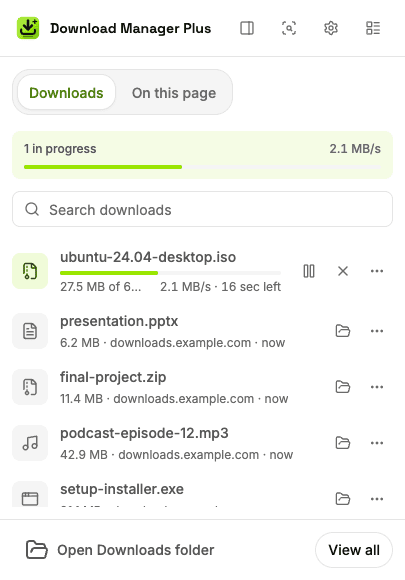
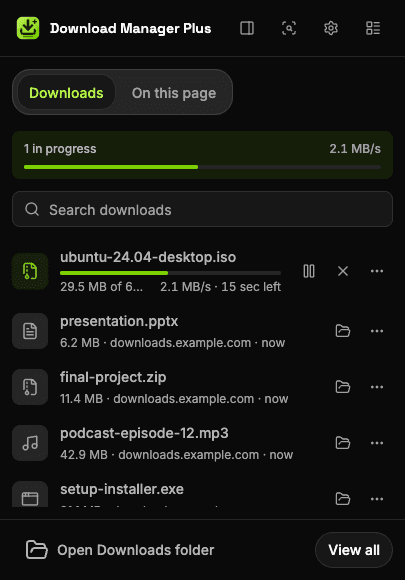
The popup: overall progress, quick search and controls without opening another tab. 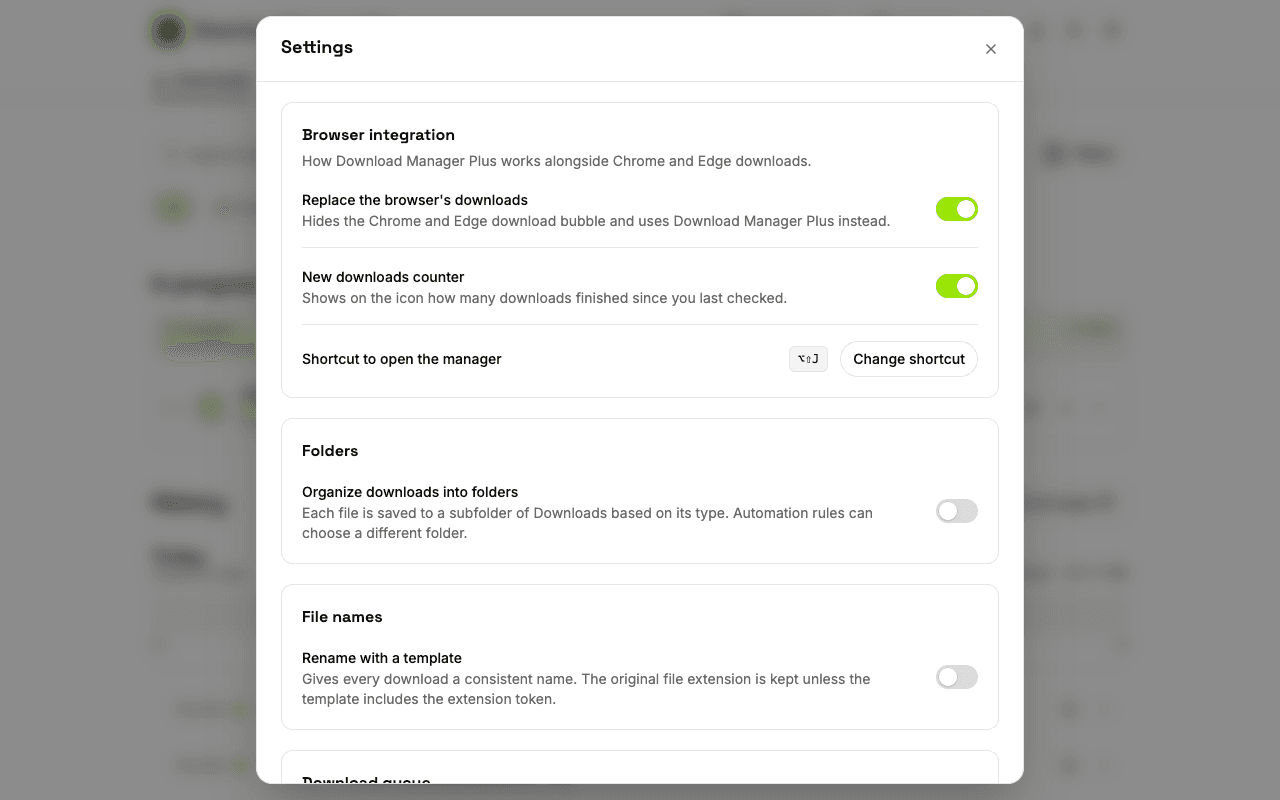
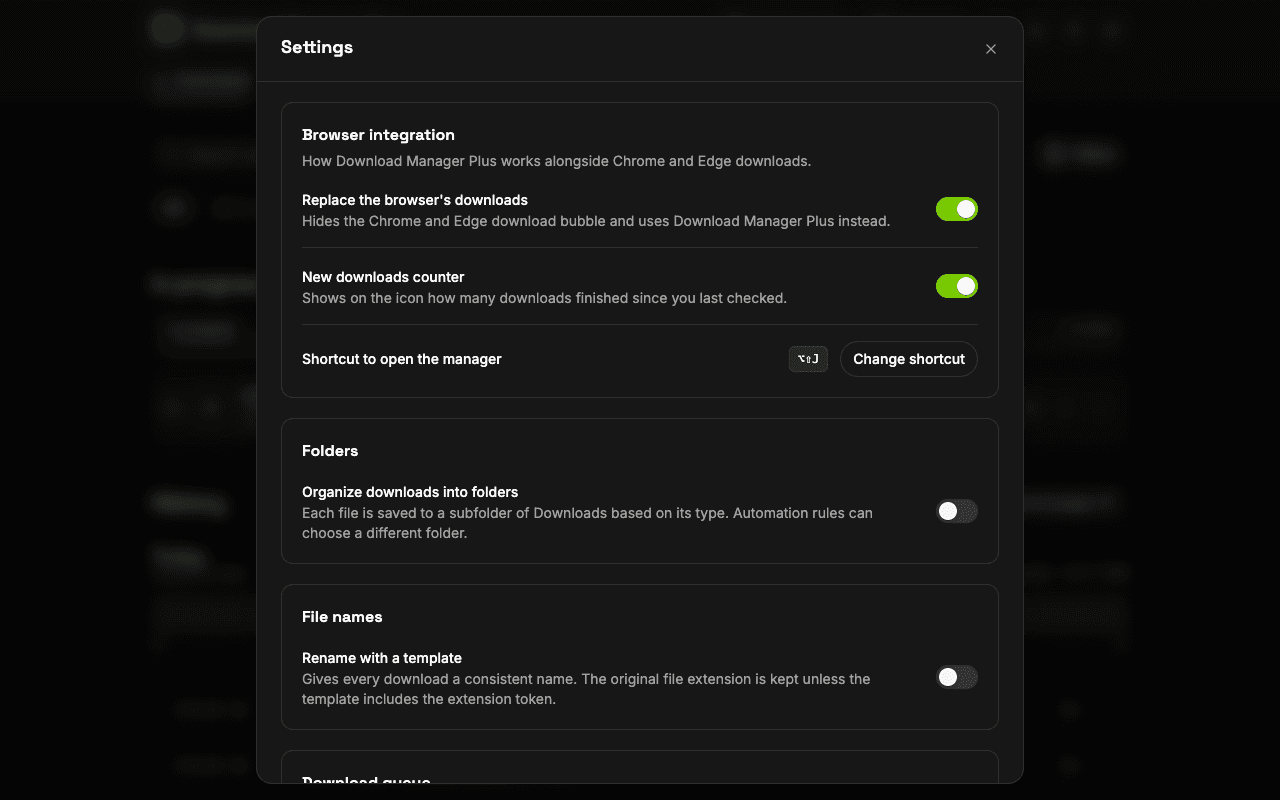
Clear settings: decide whether to replace the browser's downloads, which alerts to get and which theme to use.
Frequently asked questions
What people ask us most before installing it.
Yes. Download Manager Plus is free, needs no account and has no purchases inside the extension.
It works in Google Chrome and Microsoft Edge from version 120. It isn't available for Firefox yet.
Yes. It hides the browser's download bubble and gives you its own popup, a full-page manager and a side panel. You can turn off the replacement in Settings, and if you uninstall the extension, the browser shows its own interface again.
It's kept. Download Manager Plus stores its own history on your device, so it isn't lost even if you clear the browser's download history. Downloads from incognito windows are never saved.
Turn on smart folders so each file goes to its own folder by type, create “if this, then that” rules and use file name templates to rename files automatically.
No. Your history, tags, folders and rules are stored in your browser. Only anonymous usage analytics are sent, and they never include your files, your downloads or the pages you visit.
Yes. You can limit how many downloads run at the same time, schedule them for later and set quiet hours when the queue waits.
Press Alt+Shift+J, type “dl” followed by a space in the address bar, or open it from the browser's side panel.
Start organizing your downloads today
Install it in a minute. No account, no ads, and your data stays on your device.